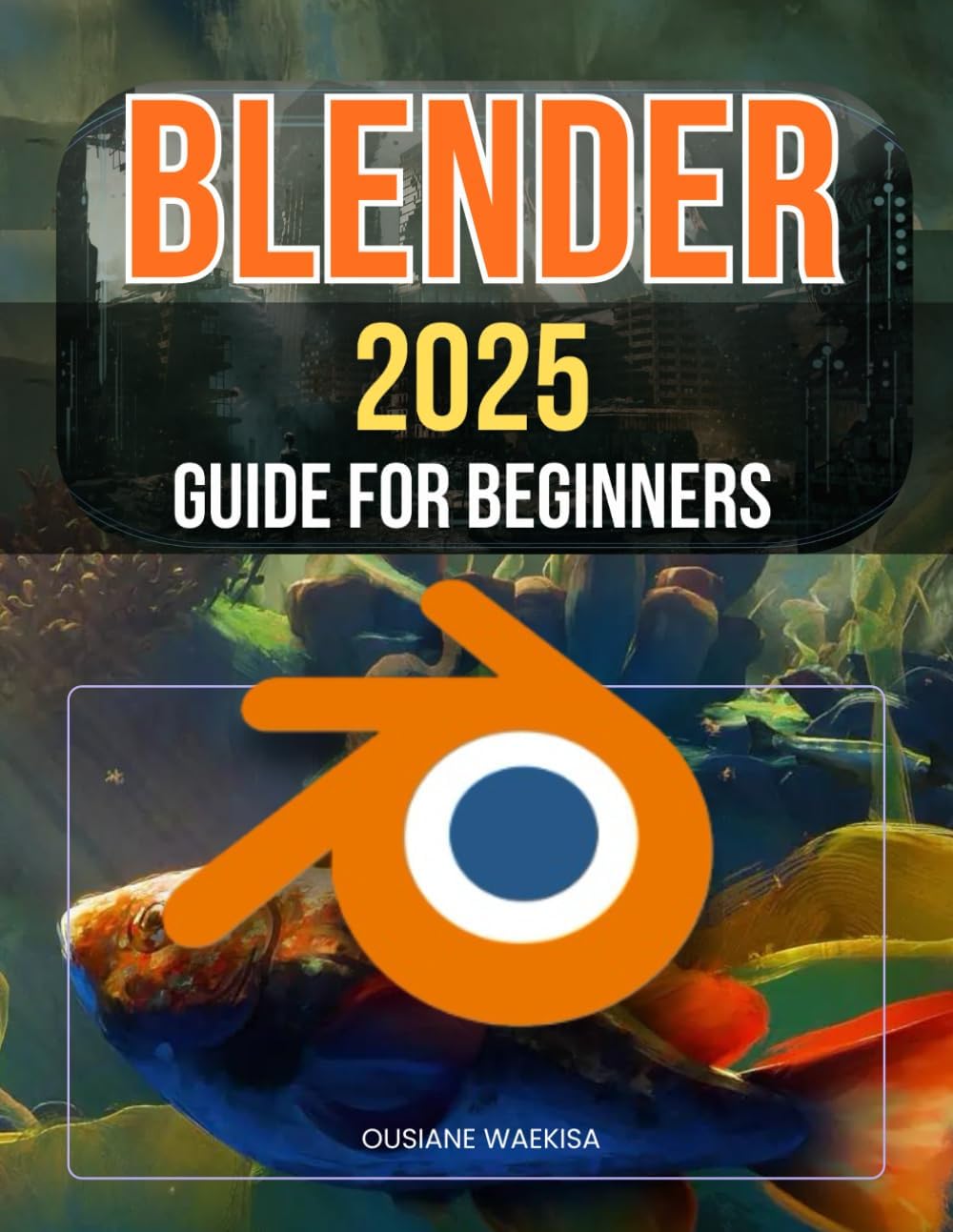
Blender 2025 Guide For Beginners: Master 3D Design, Animation, and Rendering Techniques with Step-by-Step Instructions
Product ID: 660520518
Desertcart purchases this item on your behalf and handles shipping, customs, and support to Norway.
Unlock the world of 3D modeling and design with one of the most powerful tools available for digital creation. This comprehensive guide provides step-by-step instructions to help beginners master the fundamentals of 3D design. From learning to navigate the interface and understanding keyboard shortcuts to creating stunning objects and textures, this book demystifies complex techniques and makes them accessible to everyone. You'll explore how to manipulate objects within the 3D viewport, build confidence in your ability to apply materials and textures, and harness the power of editing tools and modifiers. Dive into particle systems, physics simulations, and dynamic painting techniques that bring your creations to life with realistic effects. Whether you're interested in animation, visual effects, or game design, this guide covers essential skills that will serve as a foundation for any 3D project. You’ll learn about rigging, constraints, and shape keys to animate your models and control their movement. Additionally, you’ll be introduced to different render engines, enabling you to produce high-quality images and animations suited to your project's needs. What sets this guide apart is its focus on efficiency and creativity. With practice and guidance, you'll streamline your workflow using keyboard shortcuts and customization tools, maximizing your productivity while freeing up time for the creative aspects of your projects. No prior experience is necessary—whether you're a complete beginner or someone looking to refine your skills, this guide will walk you through the process of creating professional-level 3D art. With clear instructions, practical examples, and a focus on real-world application, this book empowers you to transform your ideas into digital masterpieces. Start your journey today and unlock the potential of 3D design. Review: Blender intro - For blender this book is a good start. If looking for an introduction to blender give this a look Review: It’s okay but YouTube is better - Super basic information which is fine but you can knock this information out in a few videos on YouTube. There are also some layout issues in the book like on page 45 they have “founda-tion” like one of the other people said it’s not up to date like it claims disappointing.
| Best Sellers Rank | #997,271 in Books ( See Top 100 in Books ) #65 in Rendering & Ray Tracing #117 in 3D Graphic Design #601 in Graphics & Multimedia Programming |
| Customer Reviews | 3.5 out of 5 stars 43 Reviews |
W**N
Blender intro
For blender this book is a good start. If looking for an introduction to blender give this a look
Z**Y
It’s okay but YouTube is better
Super basic information which is fine but you can knock this information out in a few videos on YouTube. There are also some layout issues in the book like on page 45 they have “founda-tion” like one of the other people said it’s not up to date like it claims disappointing.
S**N
Disappointing
I was really looking forward to this book, hoping for clear guidance as a new user in Blender. Unfortunately, this book is filled with screenshots and, basically, looks to be AI generated. I would’ve been better off to stay with Chatgpt than ordering this book. Incredibly disappointing. Little to no index to look up specific information. Main points for which I needed information are obscure if even existent. For me, a total waste of money.
K**L
Not "2025" as stated on book cover
I purchased this book late December 2024 thinking it was the most current book on Blender since it has "2025" in the title. I wanted a book that uses Blender 4.3.x version for examples and illustrations. The book uses Blender 4.1 only. There are differences between 4.1 and 4.3.x, and some examples are hard to follow. I understand a book cannot stay current, but they should NOT put "2025" in the title when it uses a Blender version from March 2024. The second main problem is the graphics (i.e. screen shots) are blurry and dark. The book uses gray scale black and white for screens shots for "dark mode" screens. If using screen shots, should use light or white background, i.e. "light mode". The graphics are also very large on each page (assume to overcome the low resolution and blurry nature of the images). The topics covered are nice. They do approach each topics as if you are a beginner, which I am (used other 3D animation and CAD tools). The format is to walk through each action in detail. Not much discussion why a tool would be used, or alternative ways to construct a given shape.
S**R
Good topics. Poor print quality.
Poor print quality. Looks like a copy of a copy of a copy, ran on a cheap printer.
G**R
Somewhat informative but poorly written
Pretty bad. Repetitive, confusing and full of words split in two parts or two words fused together. Geome-try, But ton, Edi-tor, Par-ticle, etc. There is useful information in this book but it requires effort to extract it. I bought this book so that I could absorb some Blender information while not at a screen, but it’s so unpleasant to read I wont be doing that.
A**F
Obsolete info
The program changes don't match the info in the book. Blender changes so often that this book is obsolete the minute you buy it!
J**N
Great info
A lot of great info to get one going. But lets be fair, some things would of been better printed in color because the black/white made it more difficult to read.
I**R
ESTAFA NO LO COMPREN...
Muy básico muy malo, no enseña nada ni en lo más mínimo relevante... además es el mismo libro que otros que anda por ahí con diferente autor, dejo evidencia en el video...
C**Y
Good reference.
Using it as reference for an online course so far so good.
L**S
Seems to be right
Learning blender now and this book is pivotal for me in doing that.
M**N
Good book, I just didn't really need to buy it due to being short of loot.
I'm sure I sent it back this? Not that I didn't want it, I needed the money back due to being skint.
M**E
👍
👍
Trustpilot
2 weeks ago
3 weeks ago